
1
/
of
1
The Focus Theater
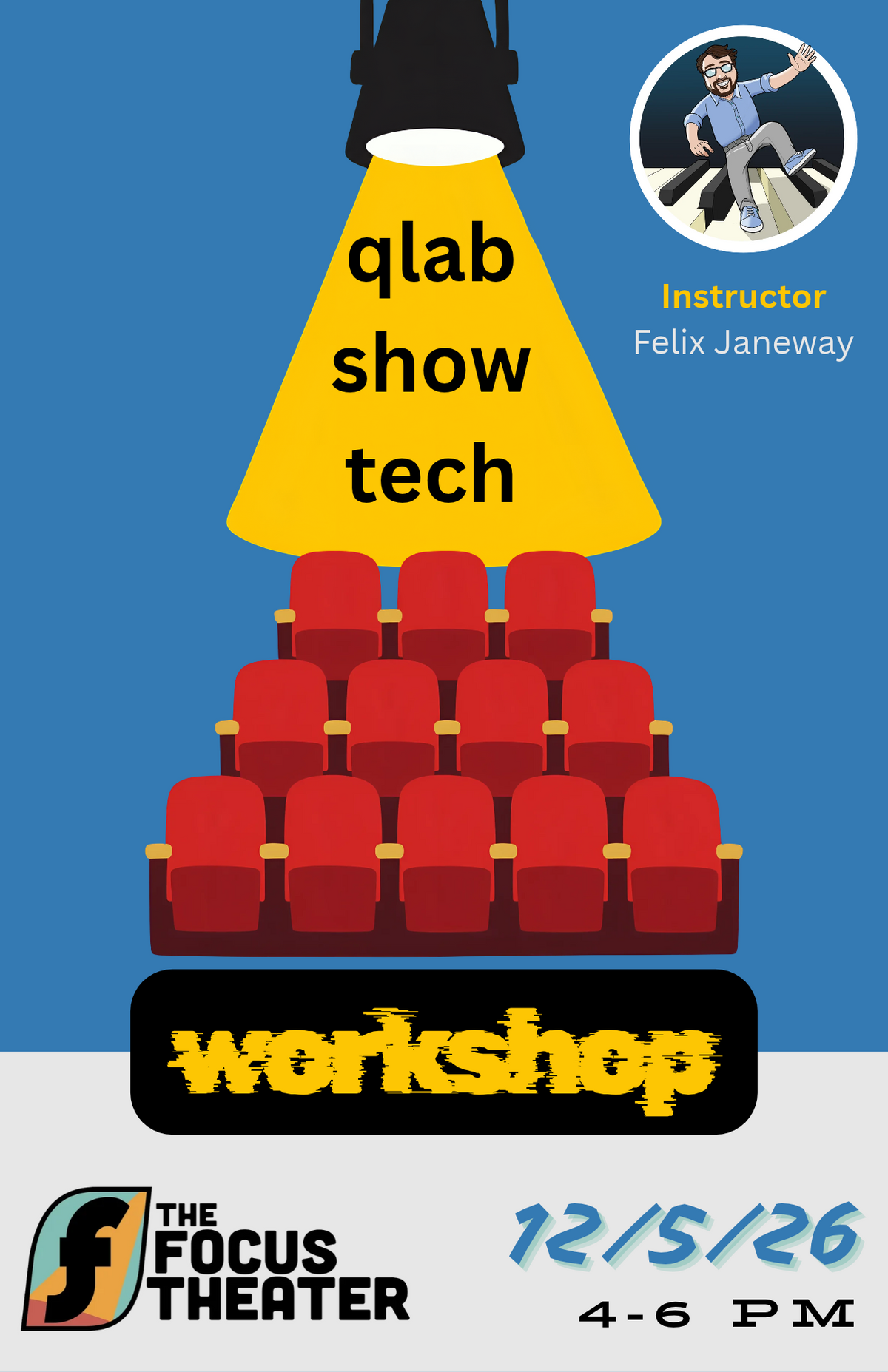
QLab Workshop - (12/5)
QLab Workshop - (12/5)
The last layer: creating custom show tech with QLab
So you have a show. The idea is clear, the cast is practiced. You're so close to the finish line. The last layer to add is how the stage looks and sounds while you're on it. Join this workshop to create unique templates for your show that give your technician tools to improvise with you and build audience immersion to your scenes and games.
This workshop has two parts: first, a demonstration of the theater's technical capabilities, how to run a show using pre-set cues, dos and don'ts of improvising lighting, closing down the theater and putting together specific materials for your shows.
If you choose to stay, in the second part we will begin the more technical work of creating sequences of lighting, audio and video for your shows and discussing options for even more functions.
Stay for the improv plate and volunteer to practice your new lighting and sound skills.
You do not need to bring anything to participate. However, if you want to work on your own show, and have access, please do bring along a computer that runs macOS with QLab installed, or any other computer if you want to work on audio or video elements.
You do not need to bring anything to participate. However, if you want to work on your own show, and have access, please do bring along a computer that runs macOS with QLab installed, or any other computer if you want to work on audio or video elements.
About the instructor:
Felix Janeway has been the musical director for improv projects in the UK and US, managing improvised sound design, mixing and lighting in established theaters and improvised festival set ups for the past 10 years.
About the software:
QLab (https://qlab.app/) has a basic free version which covers the functions of running the lighting, sound and video in a show. The theater has a license for more functions and a MacBook which will be available for your show. QLabs only works on macOS :(
QLab (https://qlab.app/) has a basic free version which covers the functions of running the lighting, sound and video in a show. The theater has a license for more functions and a MacBook which will be available for your show. QLabs only works on macOS :(
NDI Camera Live (https://apps.apple.com/us/app/ndi-camera-live/id6791638052 ) is a free (tip-optional) app which will make an iphone into a webcam as long as it is connected to the same wifi network as the receiving machine.
NDI Camera (https://play.google.com/store/apps/details?id=com.specialprojects.stream&hl=en_US ) is a function-limited free app which will make an android phone into a webcam as long as it is connected to the same wifi network as the receiving machine.
OBS (https://obsproject.com/) is a free broadcasting programme which can create single source or composite screen capture videos, stream to QLab or stream your show on the internet. OBS works on macOS, Windows and Linux/Unix
Regular price
$0.00
Regular price
Sale price
$0.00
Share
Quantity
Couldn't load pickup availability